Did you know that smart phones now have an easy way for emergency services to access your information in case you have an accident and they need to contact someone?
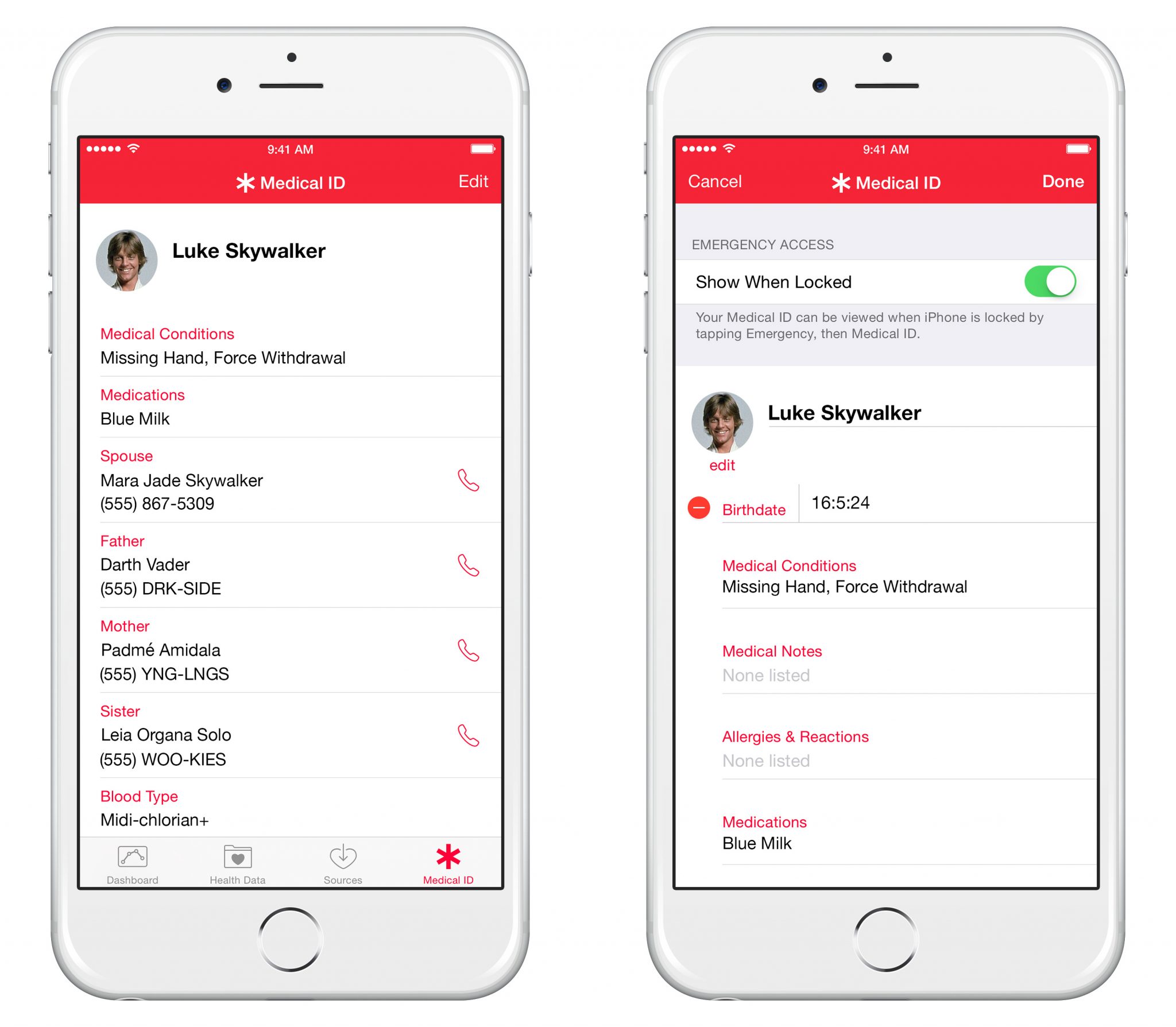
There is an App called Health. 
- Open the App
- Identify the Medical ID Icon
- Found on the bottom right of the screen
- Complete all sections in the Medical ID …
- Give as much information as possible. Priorities, your name, medication and emergency contact details.
Once information has been entered – the word EMERGENCY will appear on the bottom left hand side.Emergency services will be able to access your contact or medical details without unlocking the phone.

This is what it looks like when your details have been completed:
 A really useful thing to fill in for horse riders.